Coming soon App Store
 Google Play
App StoreGoogle PlayTurn your handwriting into a font from one photo
SnapFont turns one photo of your handwriting into an installable font, right from your phone, no scanner needed.
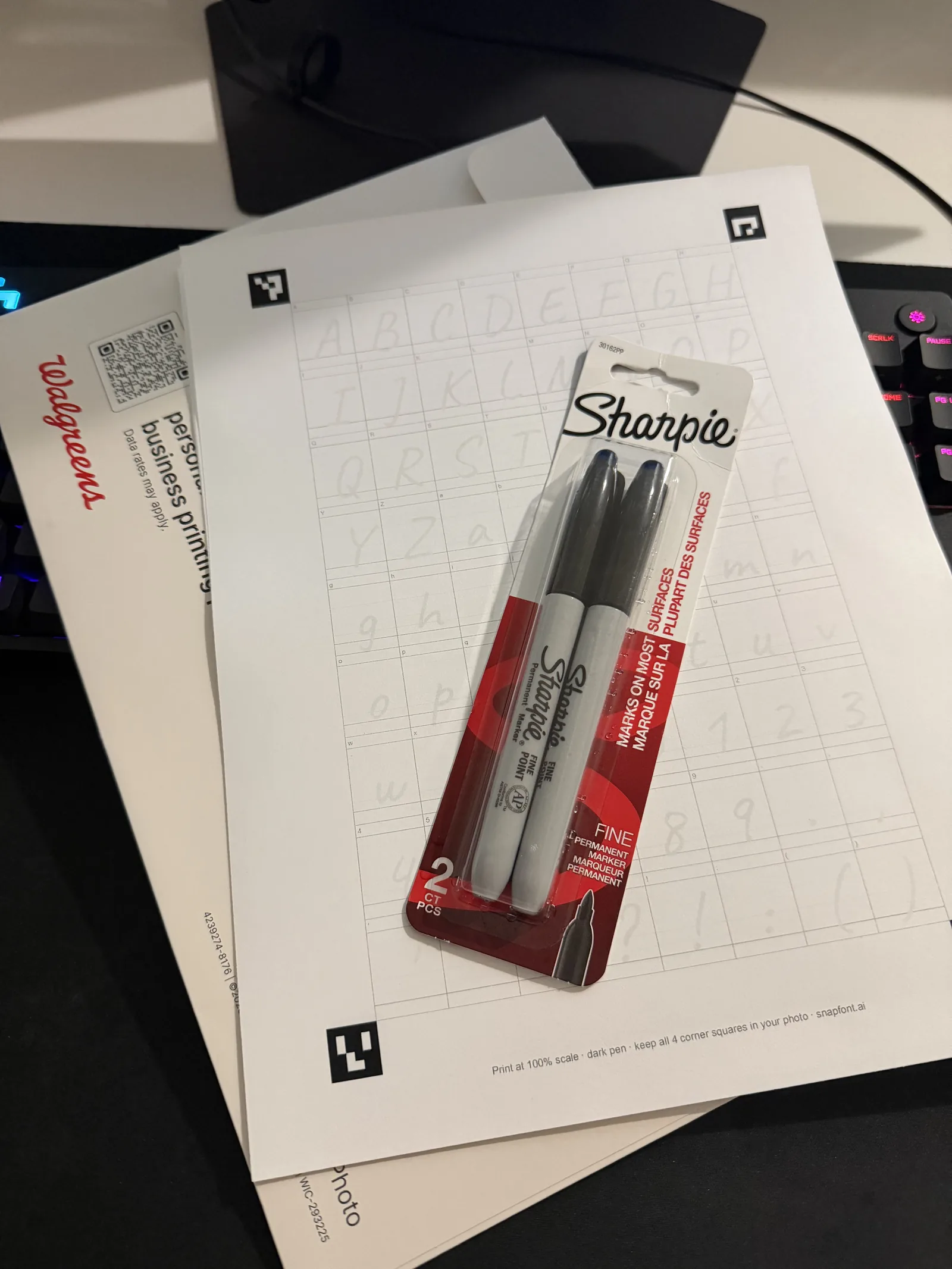
Print one sheet
72 boxes, each with a faint letter to write over. Any printer or a photo counter.
Write it, snap it
A dark pen, about 15 minutes of writing, then one photo with your phone in daylight.
Type in your own hand
A few minutes later your name types itself. Install it on iPhone, or export the TTF on Android.
Questions people ask
- How does SnapFont work?
- Print the free template, write each letter in its box, and take one photo of the page with your phone. SnapFont cuts out every letter, traces it, and builds a real font file in your handwriting in a few minutes.
- Do I need a scanner or a computer?
- No. One photo from your phone camera is enough. There is nothing to upload from a desktop and nothing to scan.
- Is SnapFont free?
- You can make your first font and type with it inside the app for free. SnapFont Pro adds installing and exporting the font file, unlimited fonts, and re-captures. Pro is a weekly or yearly subscription, and the yearly plan starts with a free trial.
- Does it work on iPhone and Android?
- Yes. On iPhone the font installs system-wide through a font configuration profile, so it shows up in Pages, Keynote, and other apps that list installed fonts. On Android the app exports a standard TTF file you can share into apps that accept custom fonts.
- Can I use my font in Word, Canva, GoodNotes, or Cricut?
- Yes. The export is a standard TTF font file, the same format any font uses. Install it on your computer for Word or Cricut Design Space, upload it to Canva, or import it into GoodNotes.
- Who owns the font?
- You do. You keep full ownership and commercial rights to every font you make with SnapFont.
- What happens to my handwriting photos?
- Your sheet photos and fonts are stored under your own account so you can come back to them. You can delete your account and every file with it at any time from the Profile screen.