Blog
How to turn your handwriting into a font, how to actually use it once you have it, and honest looks at the other tools that do the same job.
Comparisons
SnapFont vs iFontMaker: Paper Photo or Drawn on Glass? (2026)
iFontMaker ($9.99, iPad) has you draw each letter on screen. SnapFont photographs letters you wrote on paper. One designs a font, the other captures your hand.
· 5 min read
SnapFont vs Fontself: Phone or Illustrator? (2026)
Fontself ($39 or $59, one time) builds OpenType fonts from artwork inside Illustrator and Photoshop. SnapFont builds a font from one photo on your phone. They barely compete.
· 5 min read
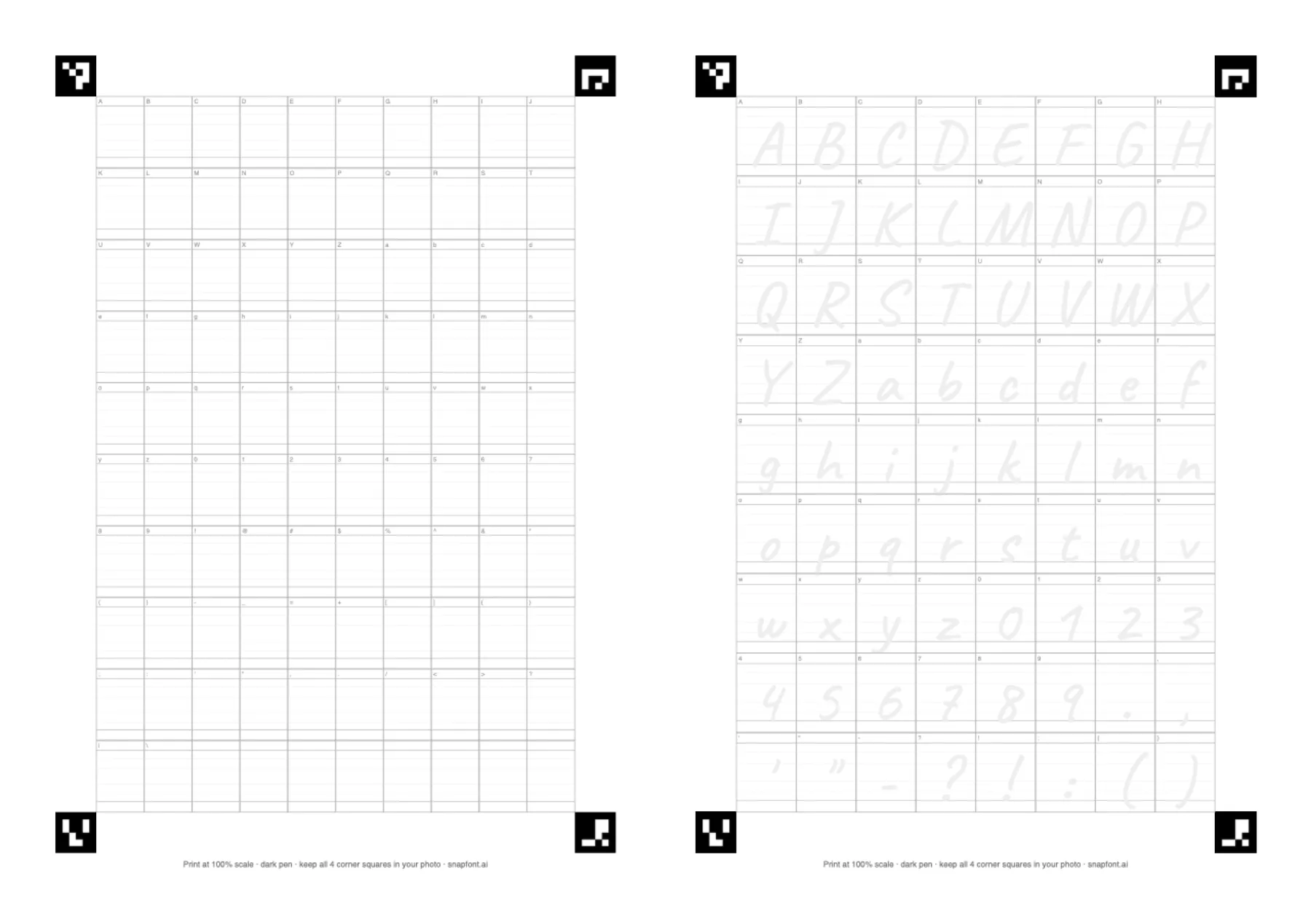
SnapFont vs Calligraphr: Which Should You Use? (2026)
An honest comparison of SnapFont and Calligraphr: how each works, what the free plans include, pricing, and which to pick for phone or desktop.
· 8 min read
Best Free Handwriting Font Generators Compared (2026)
Five ways to make a font from your handwriting, what each gives you for free, and which to pick for a phone, an iPad, or a desktop.
· 7 min read
How-to
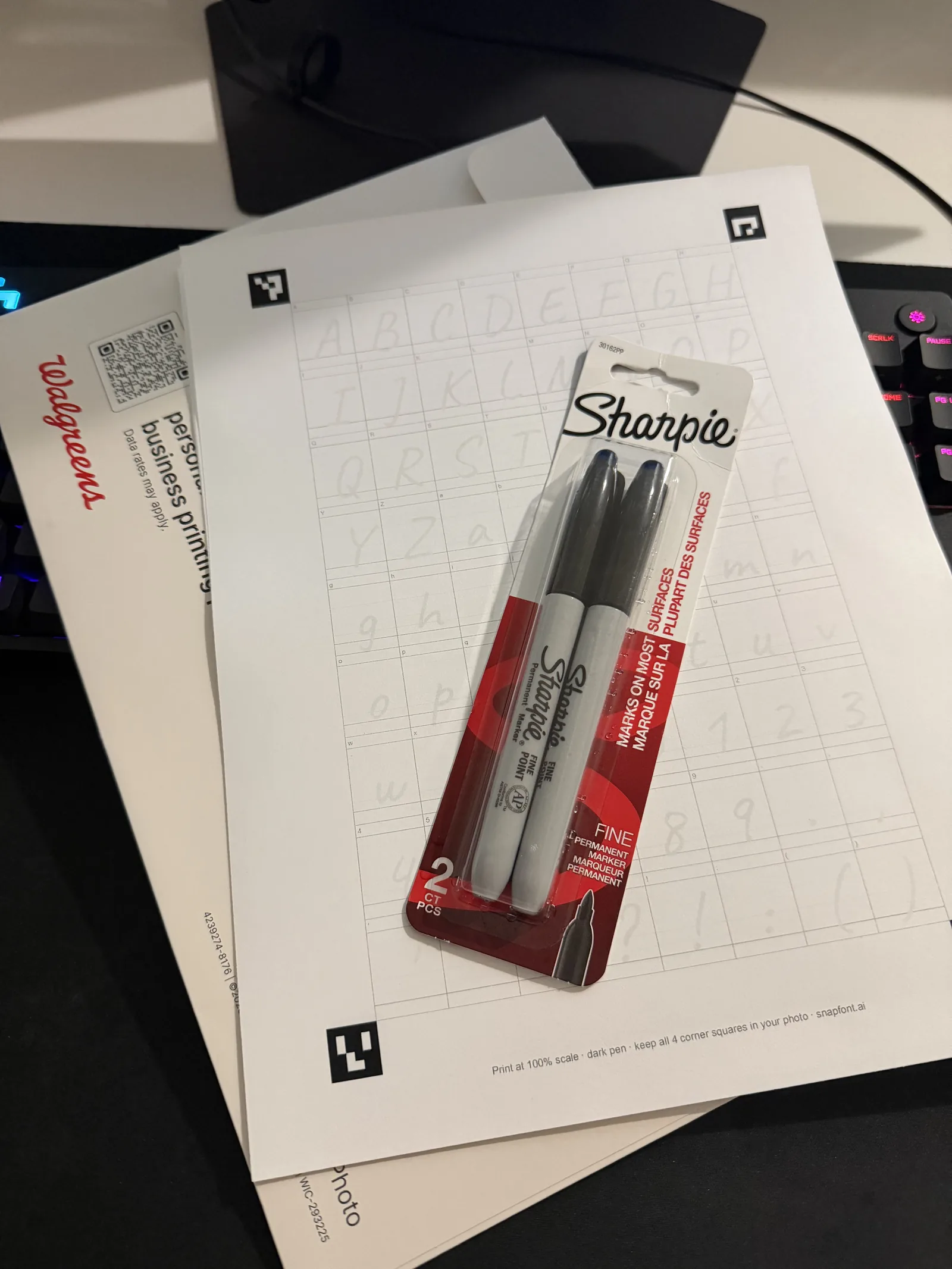
Turn Your Handwriting Into a Font With One Photo (2026)
Print the free sheet, pick the right pen, write 72 letters, take one photo, and install the font on your iPhone. About 20 minutes, start to finish.
· 7 min read
Install a Custom Font on iPhone Without a Computer (2026)
iPhones install fonts through a configuration profile. Here is how it works, which apps will see the font, which will not, and how SnapFont does it for you.
· 6 min read
Use cases
Your Own Handwriting Font for Cricut Projects (2026)
Make a font from your handwriting with one photo, get it into Cricut Design Space, and cut it cleanly: sizing, spacing, welding, and what people make with it.
· 6 min read
Type in Your Own Handwriting in GoodNotes (2026)
GoodNotes lists any font installed on your iPad. Make a font from one photo of your handwriting, install it, and typed headers and templates finally match your pen.
· 5 min read
Your Handwriting as a Procreate Font (2026)
Import a font made from your own handwriting into Procreate with Edit Style, Import Font, then rasterize and paint into it so it stops looking like a font.
· 5 min read
Preserve a Parent's Handwriting as a Font (2026)
If they can still write, one sheet and one photo keeps their handwriting for good. If you only have old letters, here is honestly what it takes and who can do it.
· 7 min read
Wedding Invitations in Your Own Handwriting, Printed (2026)
Make a font from your handwriting, or two fonts from both of you, and print names, a welcome line, envelopes, and place cards that read as hand written.
· 5 min read
Worksheets in the Teacher's Own Handwriting (2026)
Make a font from your handwriting once, then type instructions, feedback, and labels that look hand written on every copy. Works in Word and Pages, not Google Docs.
· 5 min read
A Digital Planner Where the Typed Parts Look Like You (2026)
Set the dates, headers, and tracker labels of your digital planner in a font made from your own handwriting, so the typed bones match the pen.
· 5 min read
How fonts work
How Font Files Work: TTF vs OTF, Explained Plainly (2026)
What is actually inside a font file, why it stores outlines not pictures, the numbers that make letters sit right, and why TTF vs OTF does not matter for handwriting.
· 6 min read
Ligatures: Does Your Handwriting Font Need Them? (2026)
A ligature is one shape standing in for two letters, like a joined th. Here is how fonts trigger them, when a handwriting font needs them, and which tools make them.
· 5 min read
Why Handwriting Fonts Look Robotic, and What Fixes It (2026)
Every a is the same a, and the eye catches it in doubles first. Where the robot look comes from, five fixes from cheapest to thorough, and the honest limit.
· 5 min read
What Your Handwriting Actually Says About You (2026)
Graphology does not hold up in tests. What handwriting reliably shows is mechanics: how you were taught, how you hold the pen, how fast you write. A font captures exactly that.
· 5 min read
A Short History of Handwriting Fonts (2026)
The first typeface copied a scribe's hand. Five centuries later desktop tools brought handwriting back, the scanner era made personal fonts possible, and the phone camera made them easy.
· 6 min read
Troubleshooting
Font Template Not Scanning? Five Causes, in Order (2026)
For Calligraphr or any sheet-based tool: clipped corner marks, wrong print scale, skew or curl, low resolution, light ink. What each one looks like and how to fix it.
· 5 min read
Font Installed but Not Showing in Word? Seven Fixes (2026)
Restart Word, install for all users on Windows, skip Word Online, look under the font's real name, install the profile on iOS, and embed the font before sharing.
· 5 min read
iPhone Font Profile Not Installing? Every Fix, in Order (2026)
Downloaded is not installed. Where the profile goes, why it is missing from Settings, the unsigned warning, why the font is not in your app, and how to remove one.
· 5 min read
Custom Fonts on Android: What Actually Works (2026)
Android has no system-wide font install for normal apps. What actually works with a TTF: apps that import fonts, Canva Brand Kit, and a computer. Why SnapFont exports instead.
· 5 min read
Behind the app
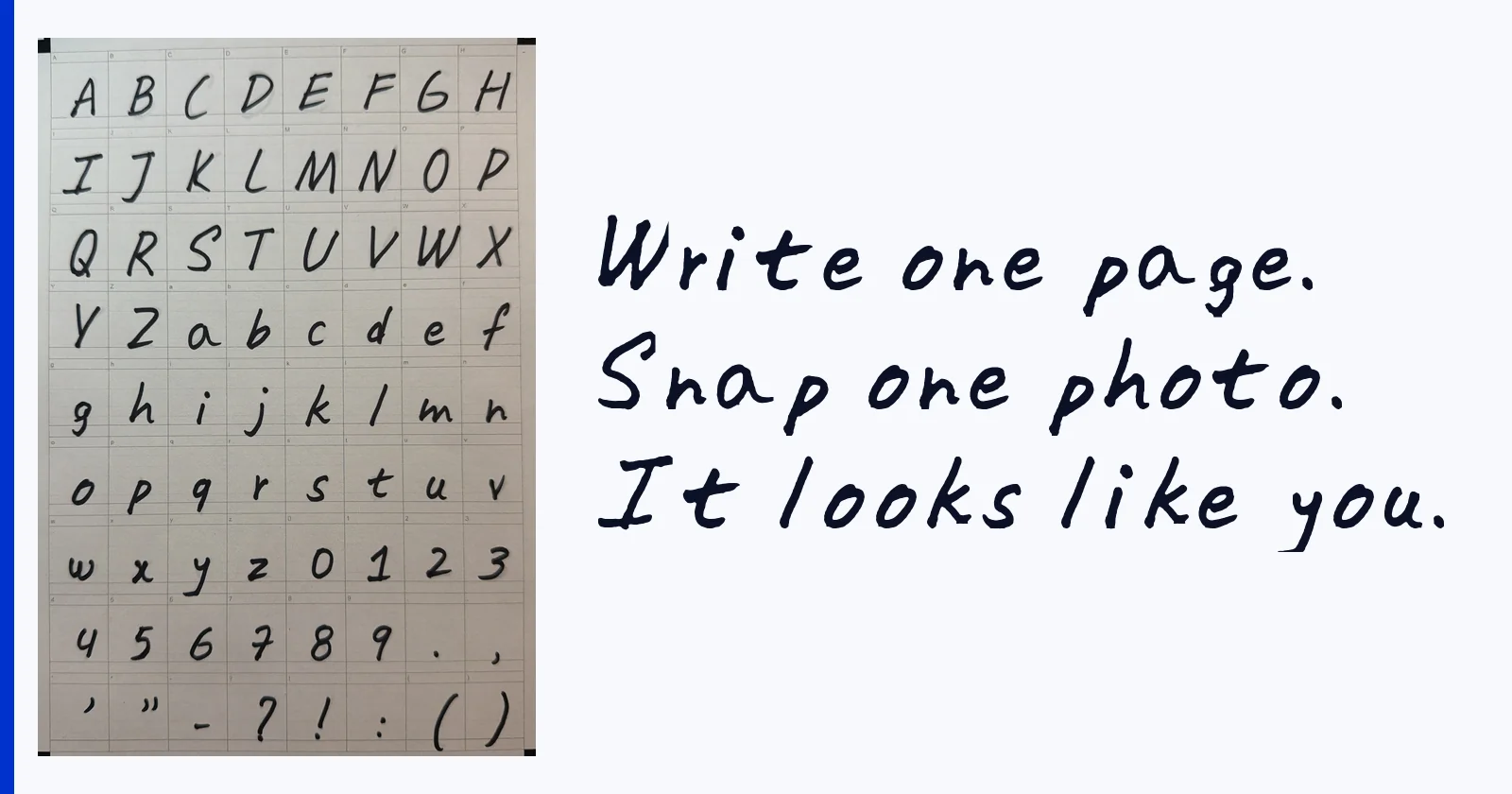
My Handwriting as a Font: One Real Sheet, One Photo, the Result (2026)
A real example, not a mockup: the template sheet I wrote, the photo I took, and the font SnapFont made from it, with the letters I like and the ones I would redo.
· 5 min read
Phone Camera vs Scanner for Handwriting Fonts (2026)
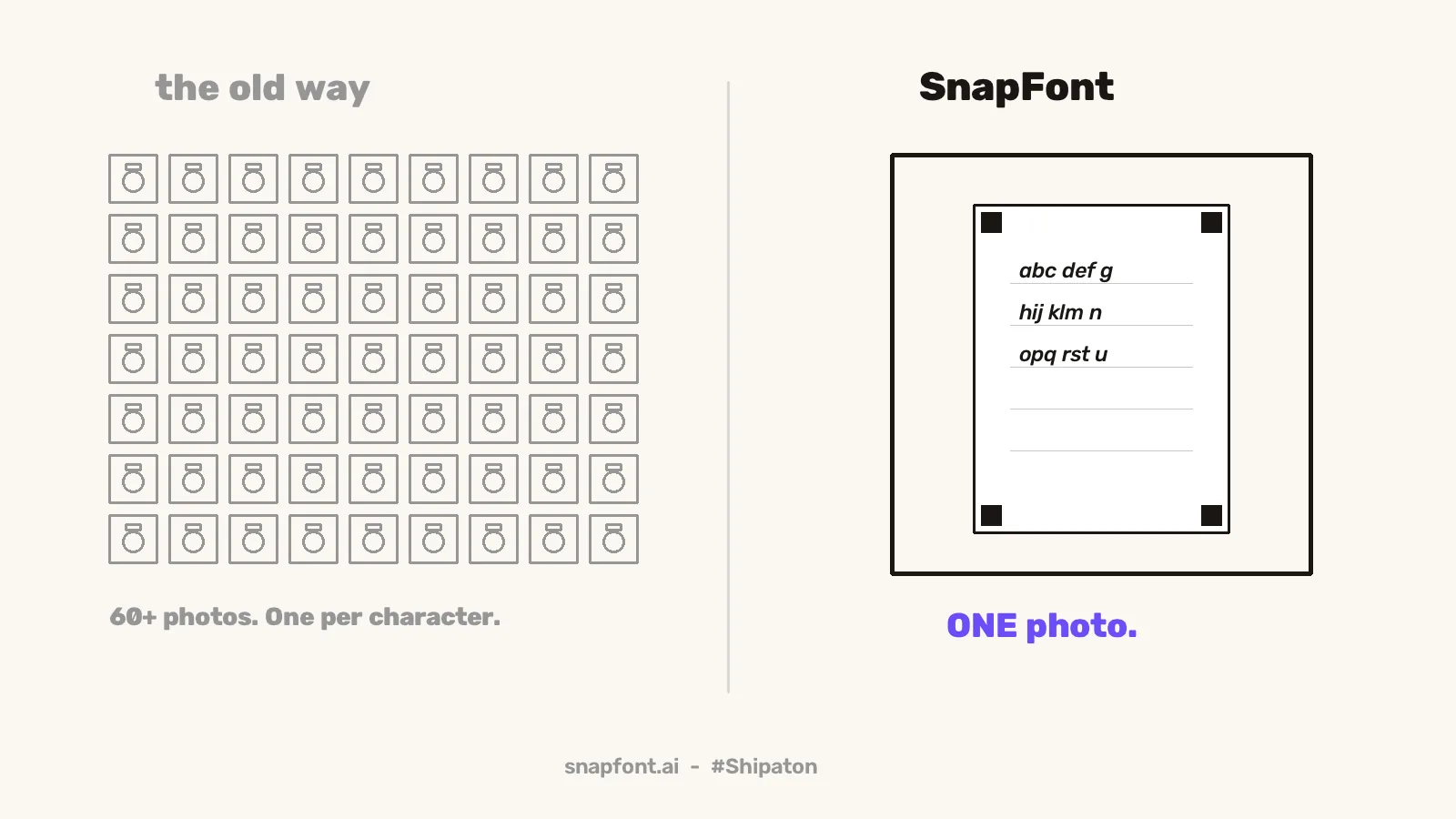
Most handwriting font tools assume a scanner and a desktop. Why one phone photo is enough now, what a scanner still does better, and how to shoot the sheet.
· 5 min read