
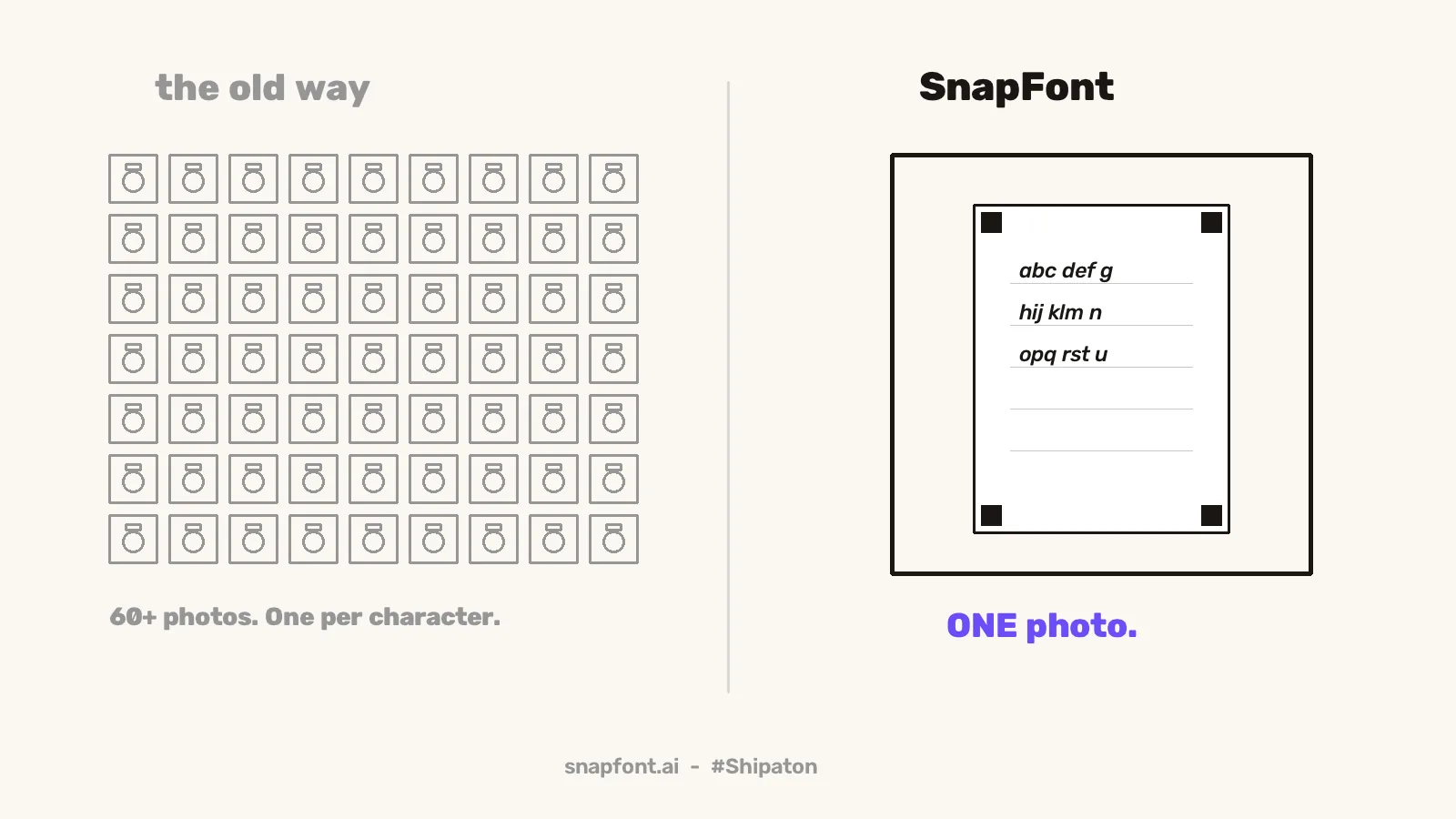
The short version
- The classic handwriting font tools assume a scanner and a desktop browser because that is what existed when they were built.
- A phone camera in daylight is more than enough for a font, and it removes the upload, the desktop, and the wait.
- A scanner still wins on perfectly even light. A phone wins on everything else, including actually getting used.
- The things that ruin a phone shot are shadows, curl, and glare, and all three are fixable in ten seconds.
Where the scanner came from
Every handwriting font tool I could find, going back years, follows the same shape. Print a template, fill it in, scan it, upload the scan, edit on a desktop. That made sense in 2012. Phone cameras were bad, scanners were common, and font editing needed a mouse.
None of that is true any more. The camera in a mid range phone from the last few years takes a sharper, better exposed picture of a page than most home scanners, and it is already in your hand. The scanner step survives in those tools out of habit, not need.
What a font actually needs from the picture
A font maker needs to answer one question for every tiny spot on the page: is this ink, or is this paper? That is the whole job. It doesn't need the true colour of the paper or a lab grade scan. It needs a clear difference between the dark line you drew and the bright page around it, and it needs the page to be roughly flat so the letters keep their shape.
A photo in daylight gives you that easily. The trick SnapFont uses is to judge brightness locally, in a small patch around each spot, instead of one threshold for the whole page. So a page that is slightly brighter on the left than the right still reads cleanly, which is the exact thing a scanner was solving for.
Where a scanner still wins
A scanner still wins on even light. It lights the page from an inch away and there are no shadows, ever. If you are making a font from something delicate, an old letter in pencil for example, a scan will give you more to work with than a photo. For a fresh sheet written with a dark pen, the gap is gone.
Where the phone wins
- Time. Photo to font is a few minutes. Scan, transfer, upload, edit, download, transfer back to the phone is an afternoon.
- It finishes. Most people who start a desktop font project never download the font. When it lives on the phone, the font is installed before you have put the pen away.
- Straightening.The sheet has four corner marks. The app finds them and squares the page itself, so you don't need the shot to be perfectly overhead.
- Retakes cost nothing. A bad photo is ten seconds. A bad scan is a trip back to the scanner.
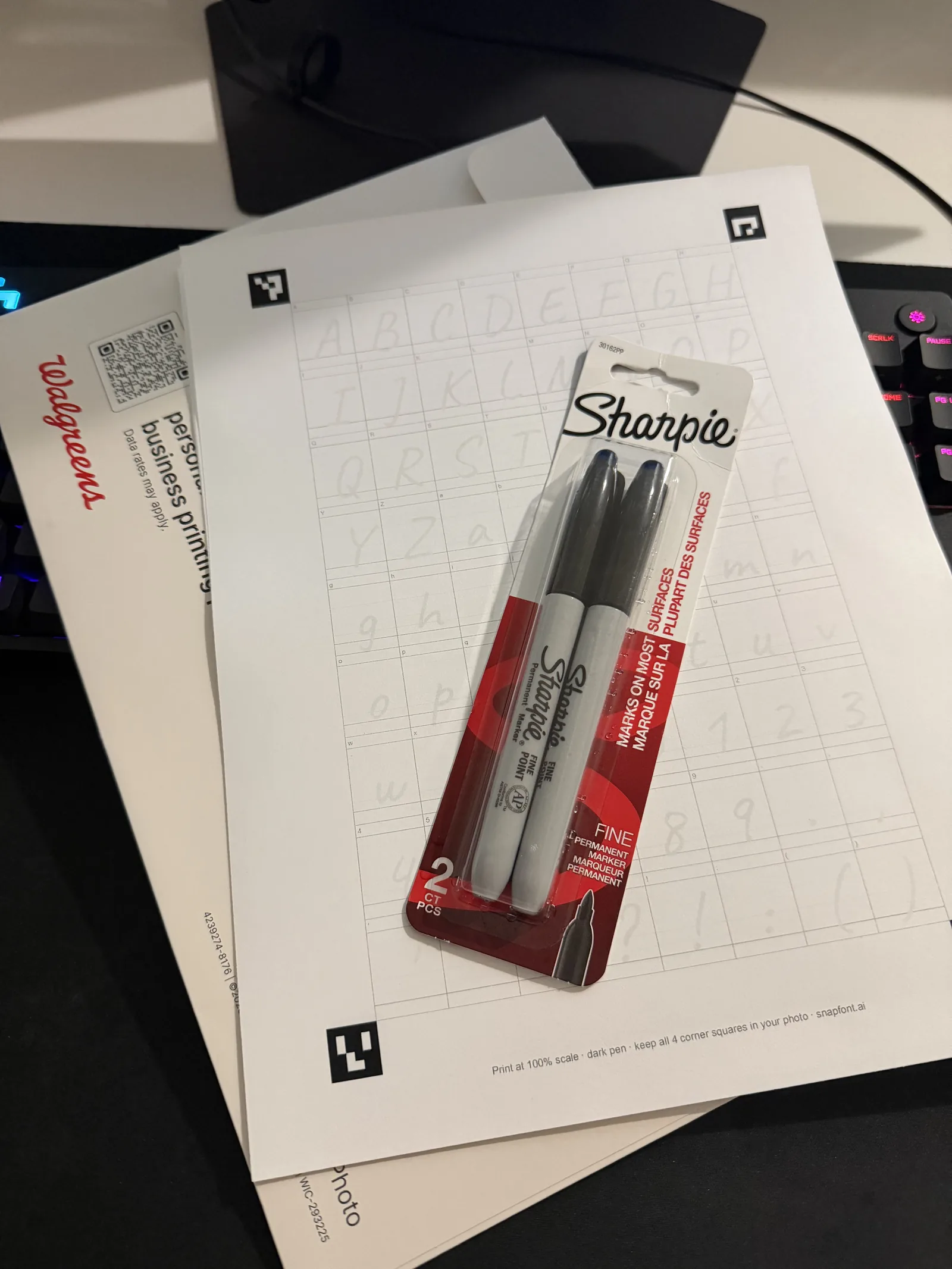
How to take a shot that works every time
Flat page on a table by a window, in daylight. Phone straight above it. Keep your own shadow off the paper, which usually means standing so the window is beside you rather than behind you. All four corner marks in the frame. If there is a glare spot on the ink from a lamp, move the page, not the lamp. That is the whole technique, and it is what I do for every sheet. The full walkthrough is in how to turn your handwriting into a font with one photo.